Reading and Writing
Research to Inform
Chapter 1
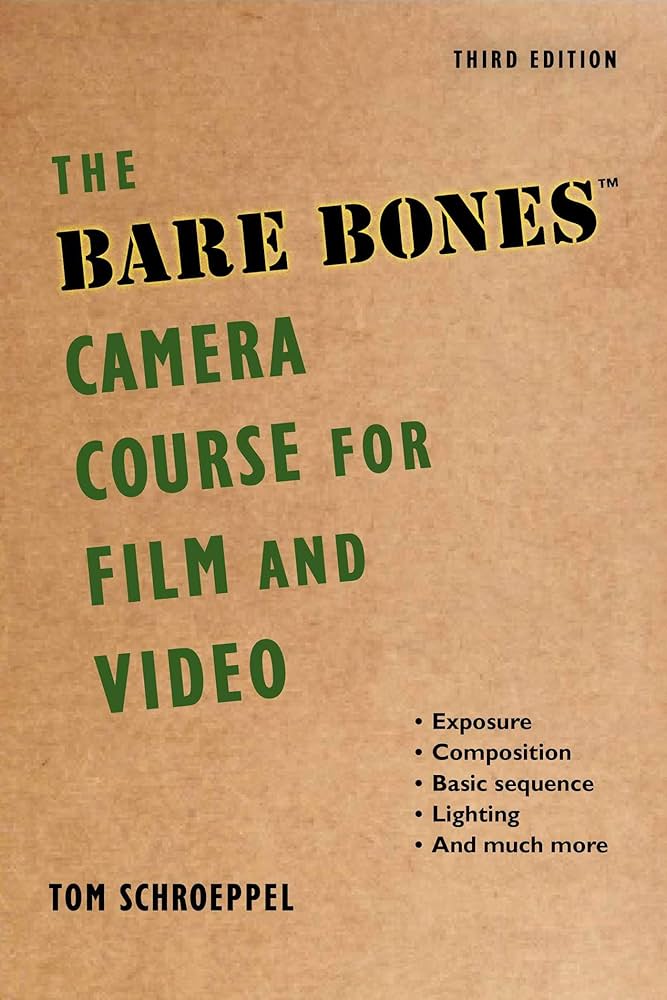
The chapter breaks down the essential parts of a camera, covering basic controls like aperture, shutter speed, and ISO, which are important for managing light and taking clear images. These elements form the basis for creating a balanced exposure, and helps explain how each setting affects the brightness and depth of images.
Chapter 2
“The camera is selective. You decide what the viewers will see.” That quote was a great way to start the chapter because that’s essentially the key to composition. The way you set up the camera will change what you are showing your audience.
There are a lot of things to consider when thinking about composition such as, balance, using a tripod, rule of thirds, framing, and angles. Seems like a lot for just one shot, but all are important aspects of filming that must be considered in order to make your shoot successful in capturing your desired scene.
Chapter 5
Chapter 5 focuses in on movement, explaining how camera motion can add energy, perspective, and emotion to a scene. It introduces the key types of camera movement like pans, tilts, dollies, and handheld shots. The chapter also gives tips for executing smooth and intentional camera movements, like maintaining focus, controlling speed, and tools like tripods, dollies, and steadicams. Planning movements carefully is key to to supporting the narrative rather than distracting from it.
Chapter 6
This chapter is short and sweet. With only two pages, it covers montages – exactly what I am working on this week. Going over what a montage is, and the best ways to execute this type of project.
Video Pre-Production Planning Checklist
This gives a structured 11-step guide to ensure a successful video project by focusing on preparation. Key steps include clearly defining objectives, target audience, and managing expectations. Other aspects include developing a creative brief and storyboarding. By emphasizing careful pre-production, the checklist aims to help avoid common errors.
Storyboarding
This article explains the process and benefits of storyboarding. Covering the basics of creating a storyboard, which includes defining your video’s objective, key message, and structure. Storyboarding helps visualize each shot, plan sequences, and organize important details like dialog and camera angles.
Research to Inform
The Mind Flayer
Stranger Things is a great example of the use of wide shots. In season 2, each time Will has visions of the Mind Flayer, wise shot is used to show the sheer size of the Mind Flayer in the sky hovering above locations in Hawkins.
Dr. Strange
Dr. Strange is one for using rule of thirds. at 0:14 we can see him perfectly lined up on the right hand side of the screen using the rule of thirds. Doing this gives the audience not only the view of his hands and body moving, but the attempt at manipulating the energy around him which appears towards the middle/left of the screen.
Whiplash
In Whiplash‘s iconic “Rushing or Dragging” scene, we see the use of close up starting at 1:03 as Fletcher frisbees something at Andrew and the gets in his face about the tempo. The exchange remains close up to show the tension and intensity between the characters.
Create
My montage will be filmed along the Farmington Trail in Hamden, CT, I place I frequent to ground myself and get outside. I took a few of my scavenger hunt photos on the trail but then did the rest inside after it got too cold and dark for me to keep going outside.
Note to self: go earlier, and wear gloves if it’s going to be chilly.
The next element is the pre-production document which is filled out with my plans for my montage. I won’t lie, as I started this, I wasn’t sure how I wanted to put it together, especially since there needed to be a voice over. Usually went I walk the trail, its a calm walk with my headphones in. So while I can’t emulate that experience entirely, I finally found a way to piece it together.
 Madison Vale
Leave a comment